
AI Notes & Tasks
Kyle
Your AI forgets everything between conversations. Kyle doesn't. Notes, tasks and boards on iPhone, iPad and Mac — and Claude, Cursor, or anything that speaks MCP reads and writes them alongside you.
iPhone
iPad
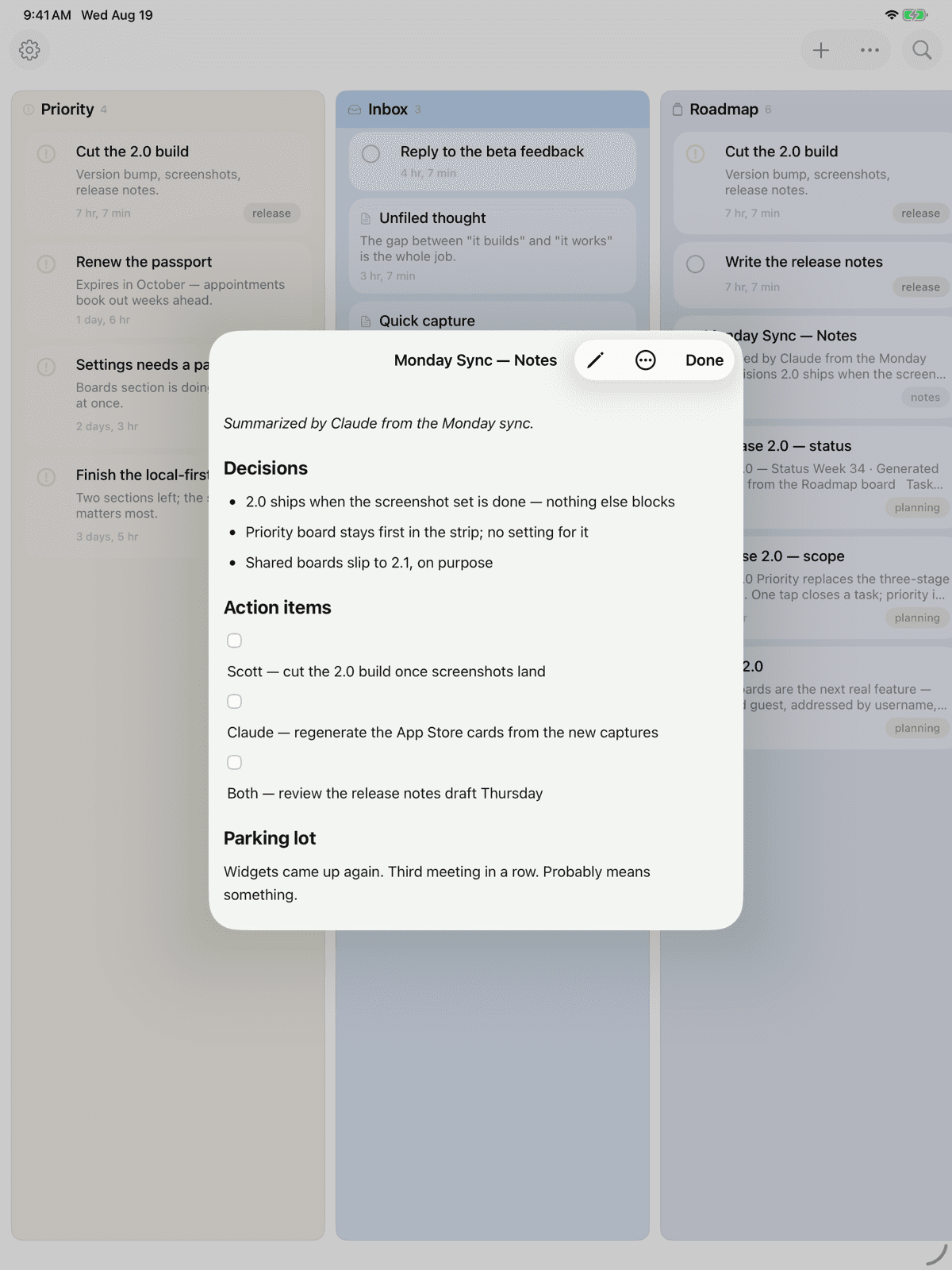
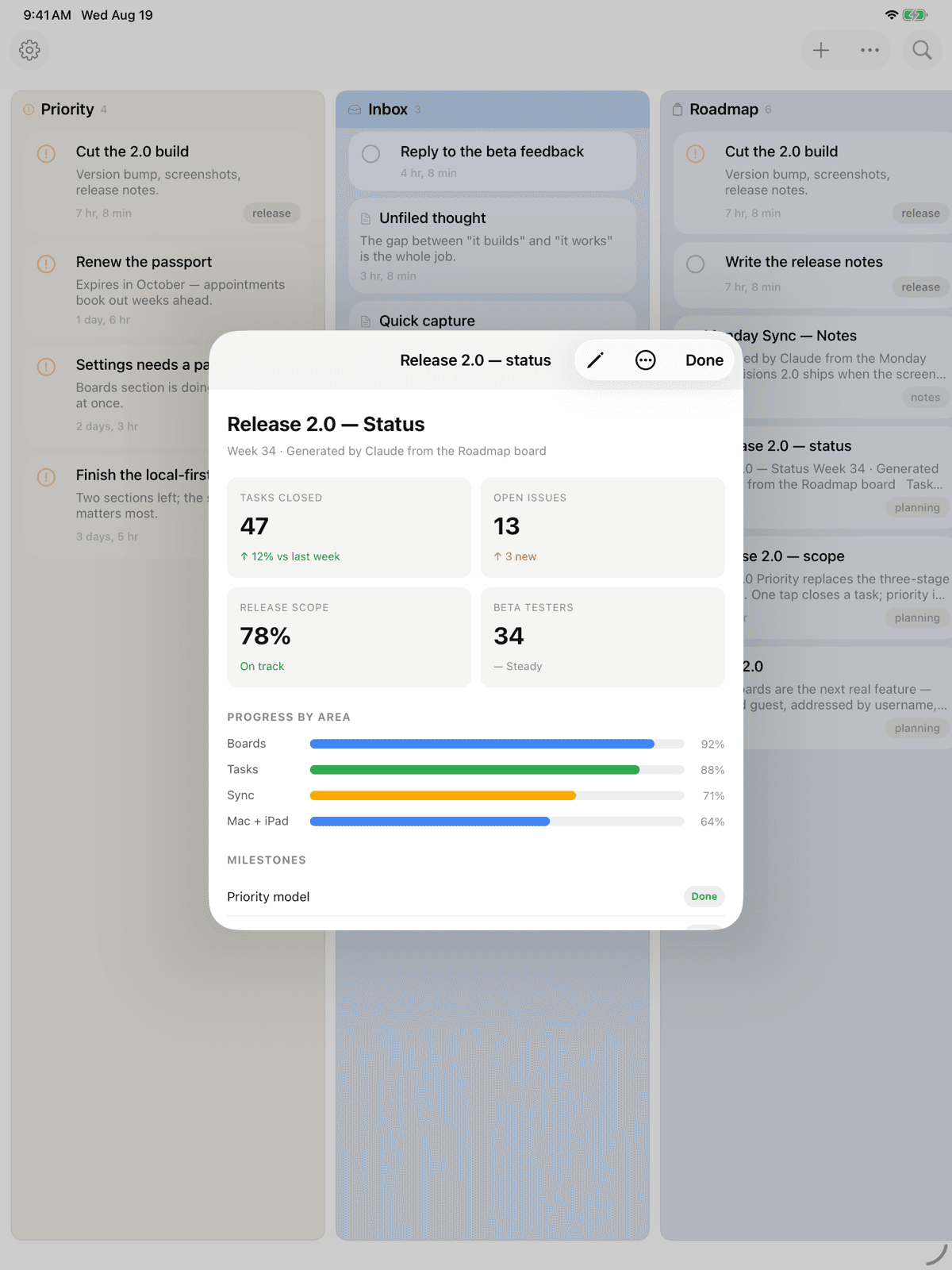
Mac
How Kyle Works
Kyle speaks MCP, so your AI reaches your notes and tasks directly. Connecting takes one paste. Telling it when to use them takes one more.
Open Kyle
Your account is created the moment you launch. No signup, no password — sign in with Apple when you want it on a second device.
Connect Your AI
Open Connect to AI, pick your client, and follow the three steps written for it. Claude signs in with your Apple ID — there is no key to copy.
Teach It
Paste the standing instruction where your AI keeps its instructions. Now it searches Kyle before it starts, and files what matters without being asked.
Everything You Need
Boards Hold Everything
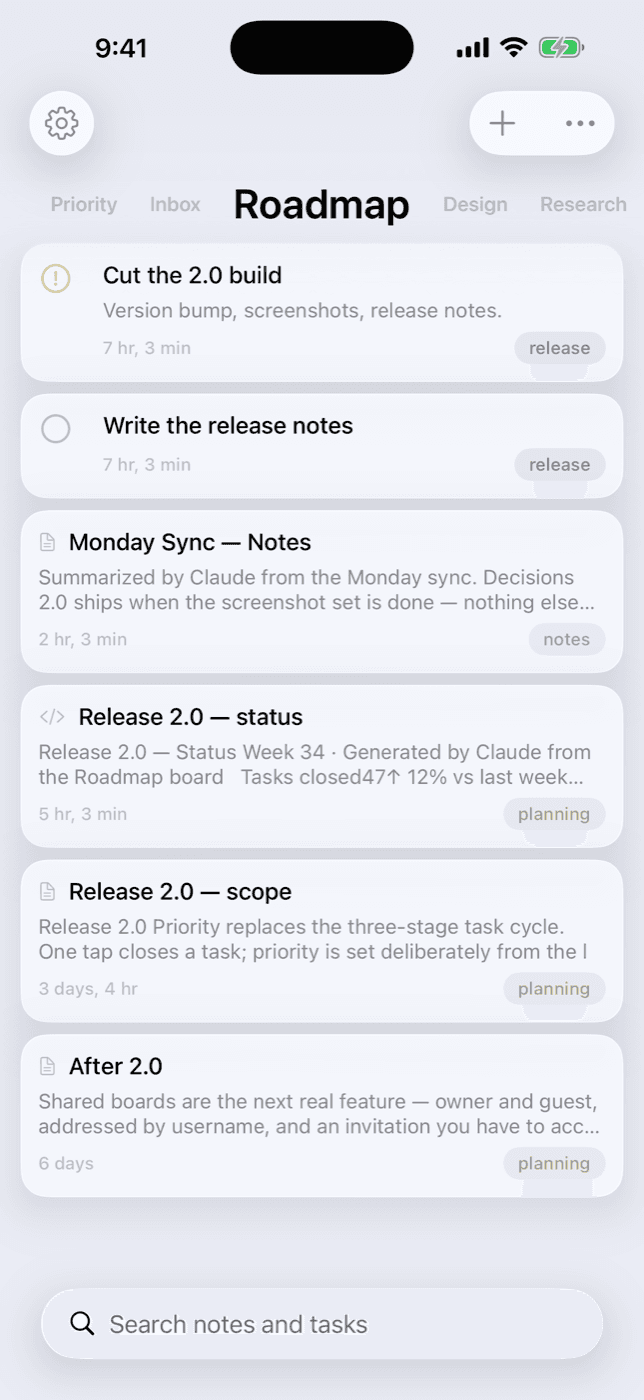
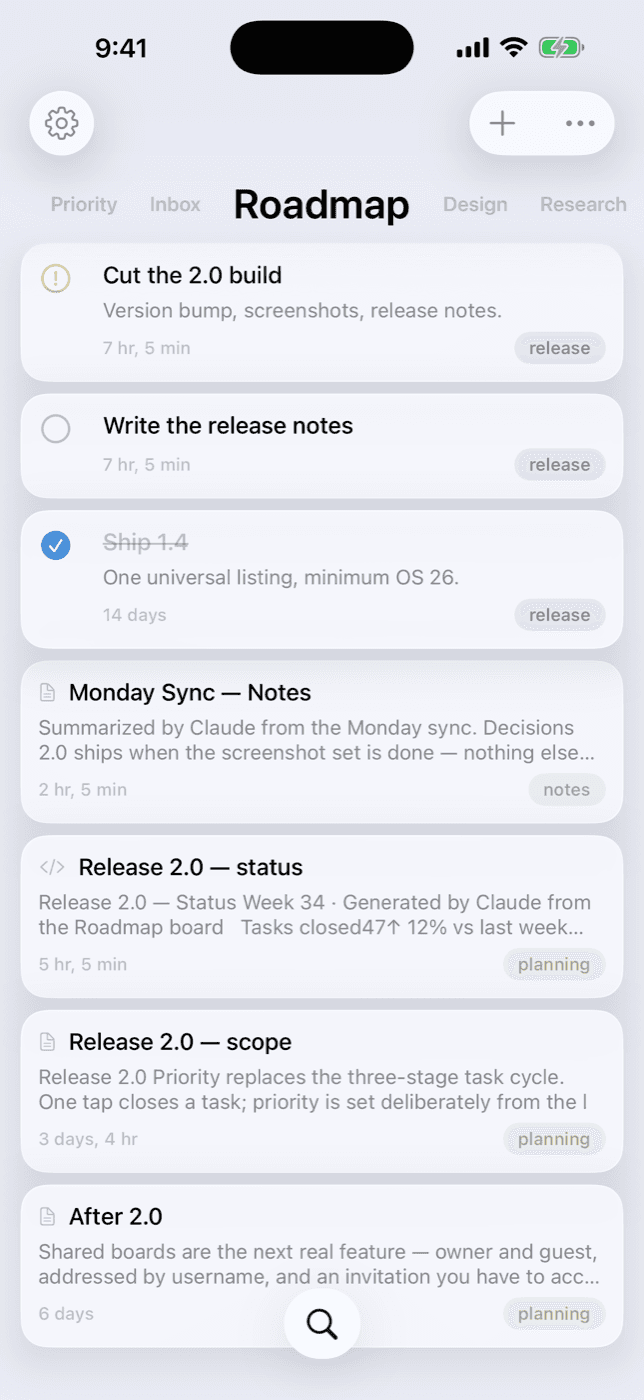
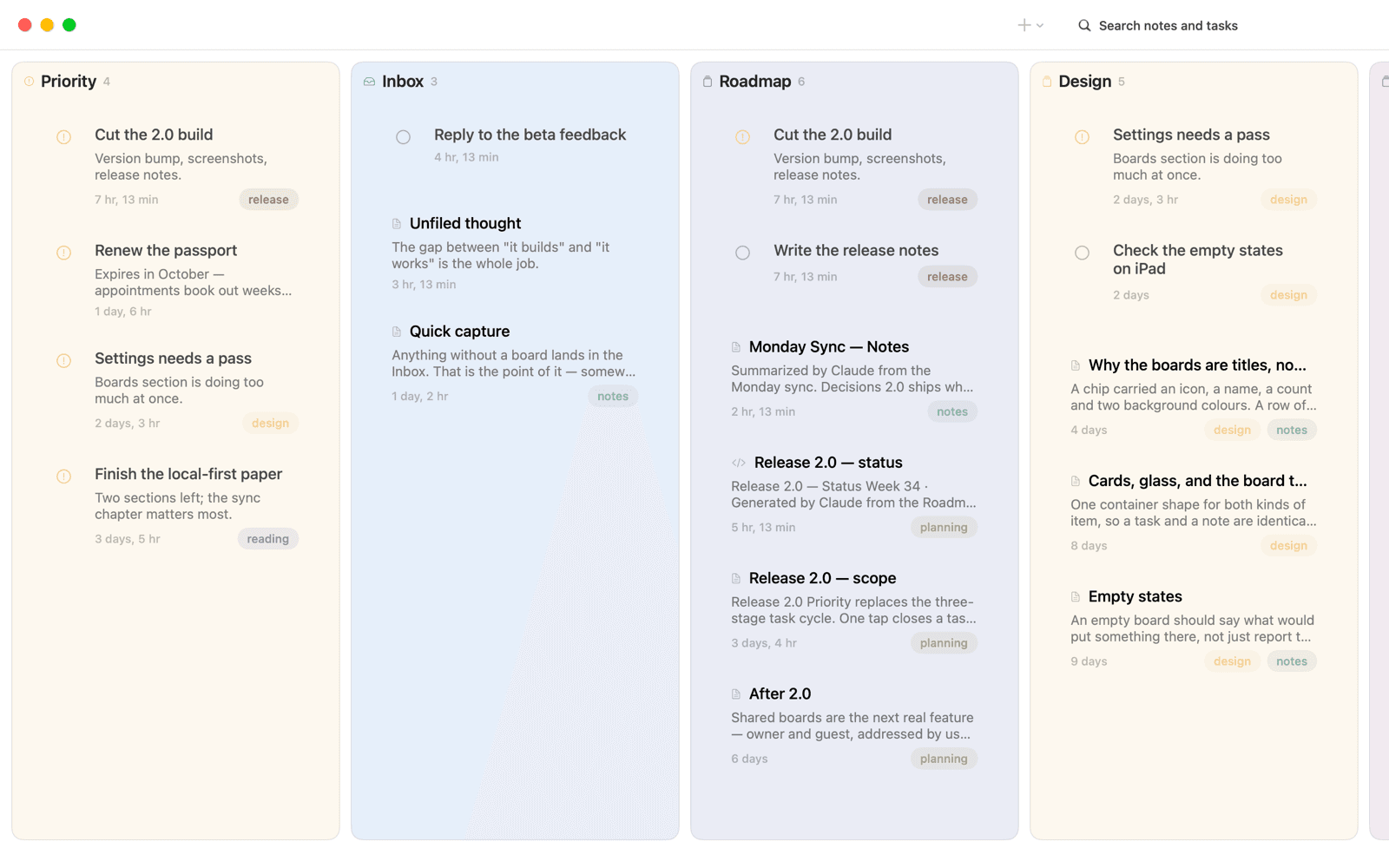
Notes and tasks live together on boards. Swipe between them — the title tracks your finger — and Kyle reopens on the board you left.
Tasks Without Ceremony
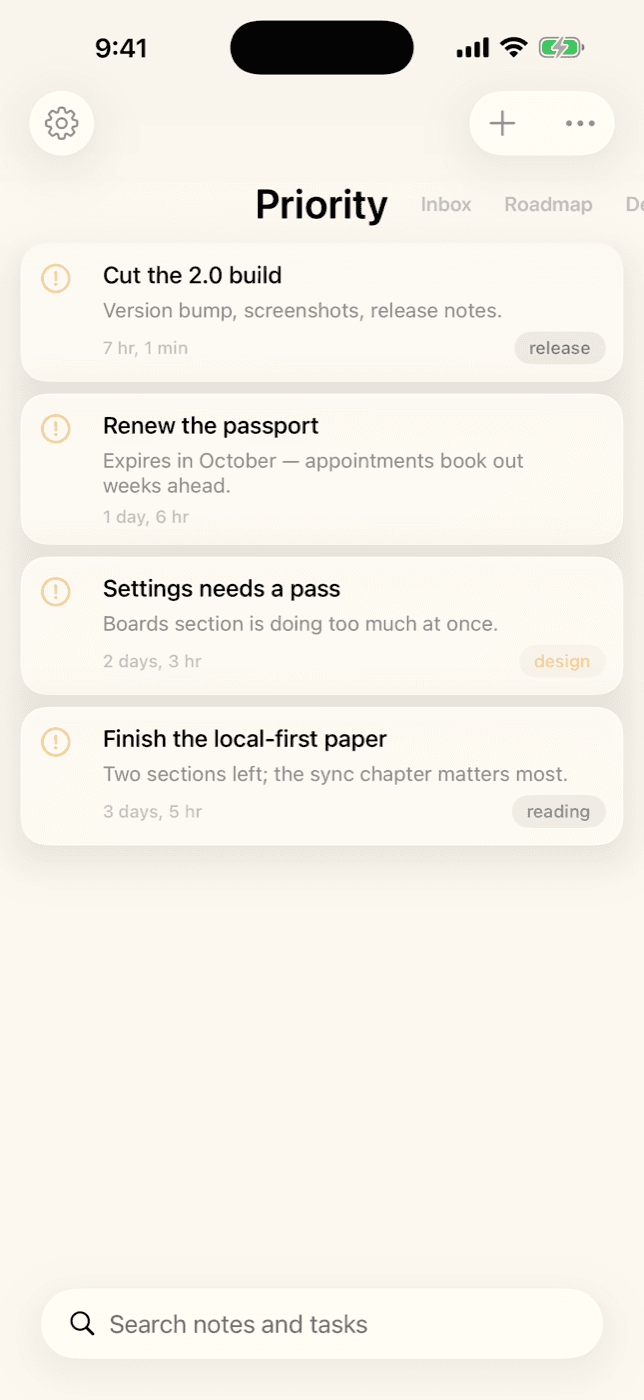
One tap closes a task. Long-press to mark it priority, and it joins the Priority board — what matters most, gathered from every board.
Works with Any AI
Claude, Cursor, Windsurf, Claude Code — any app that supports MCP can read, write, search, and organize your notes and tasks.
Link Notes to Tasks
Connect a task to the note it came from, so the reasoning and the work stay together.
Full Markdown Editor
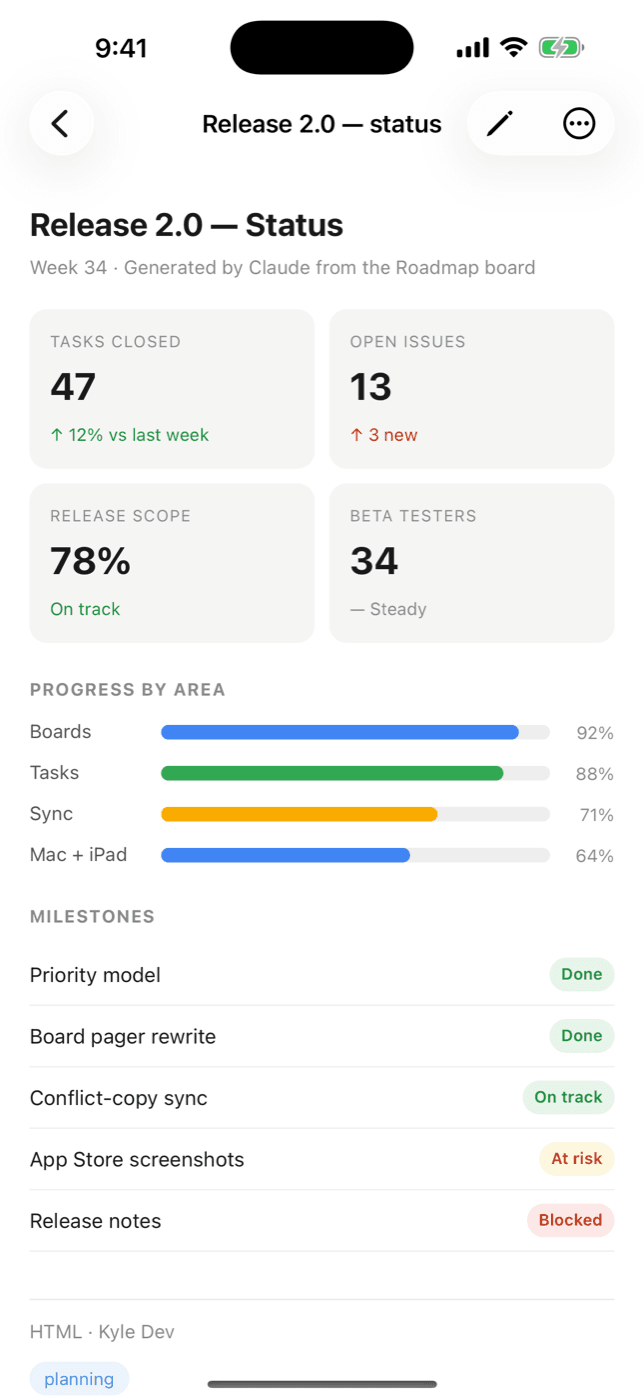
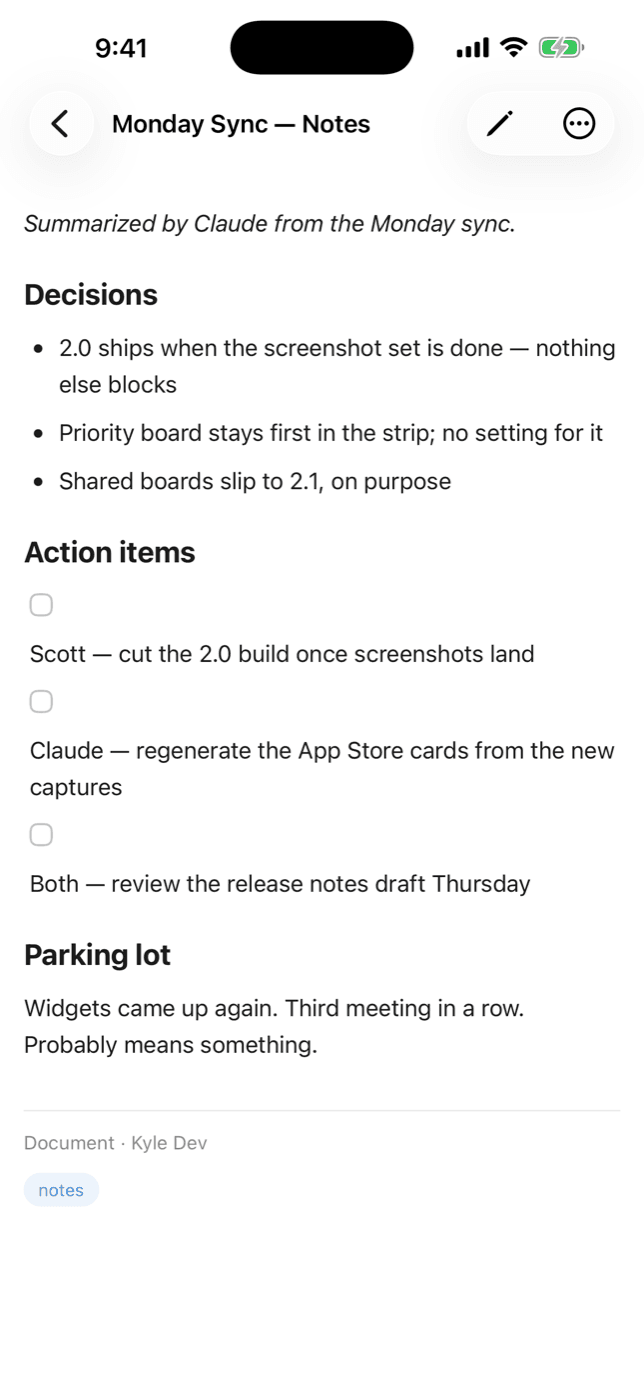
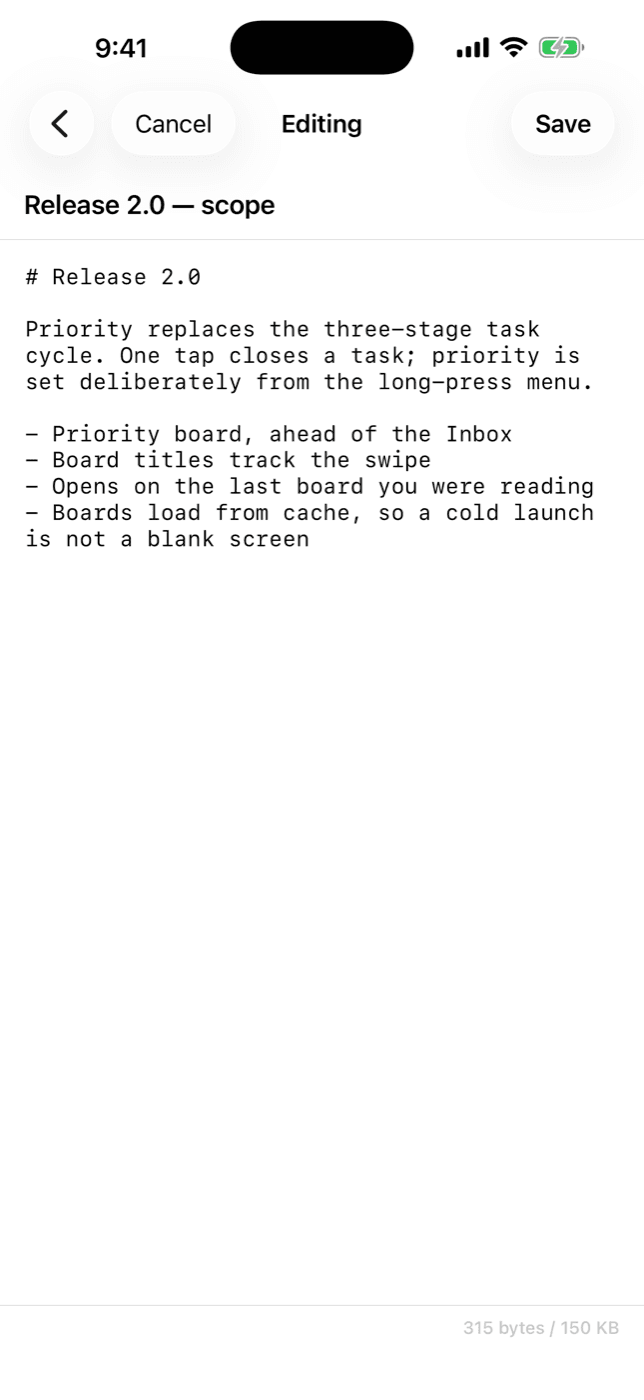
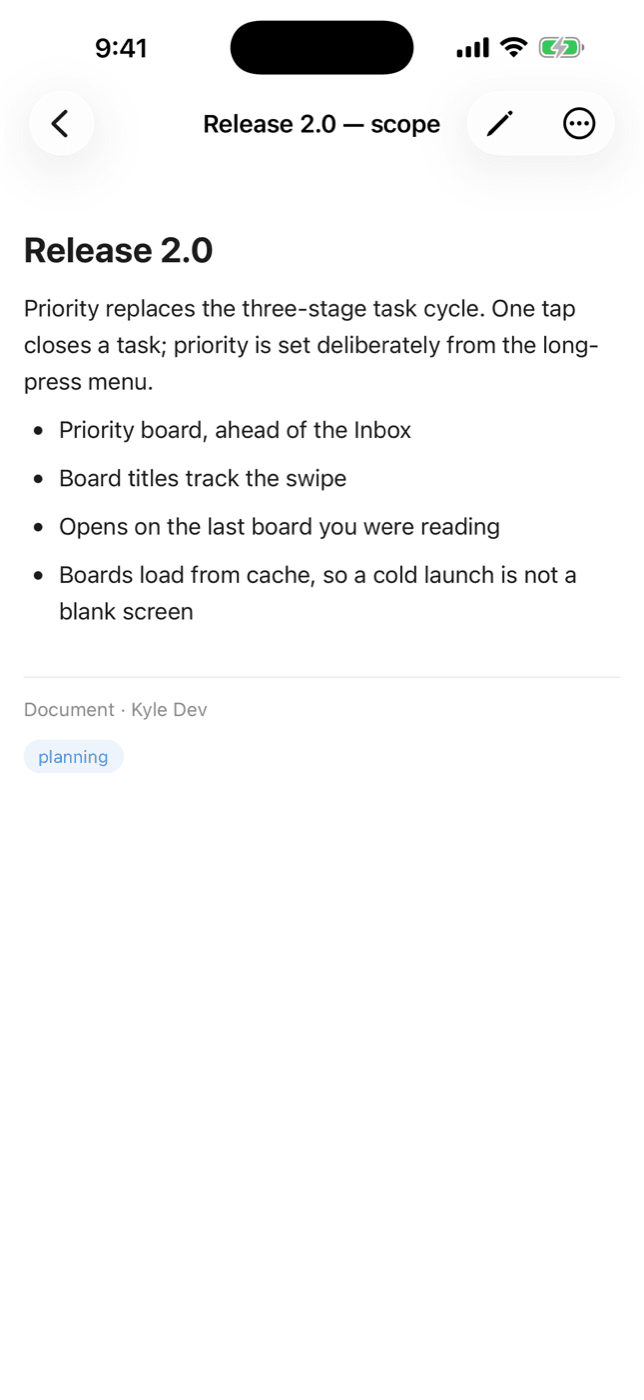
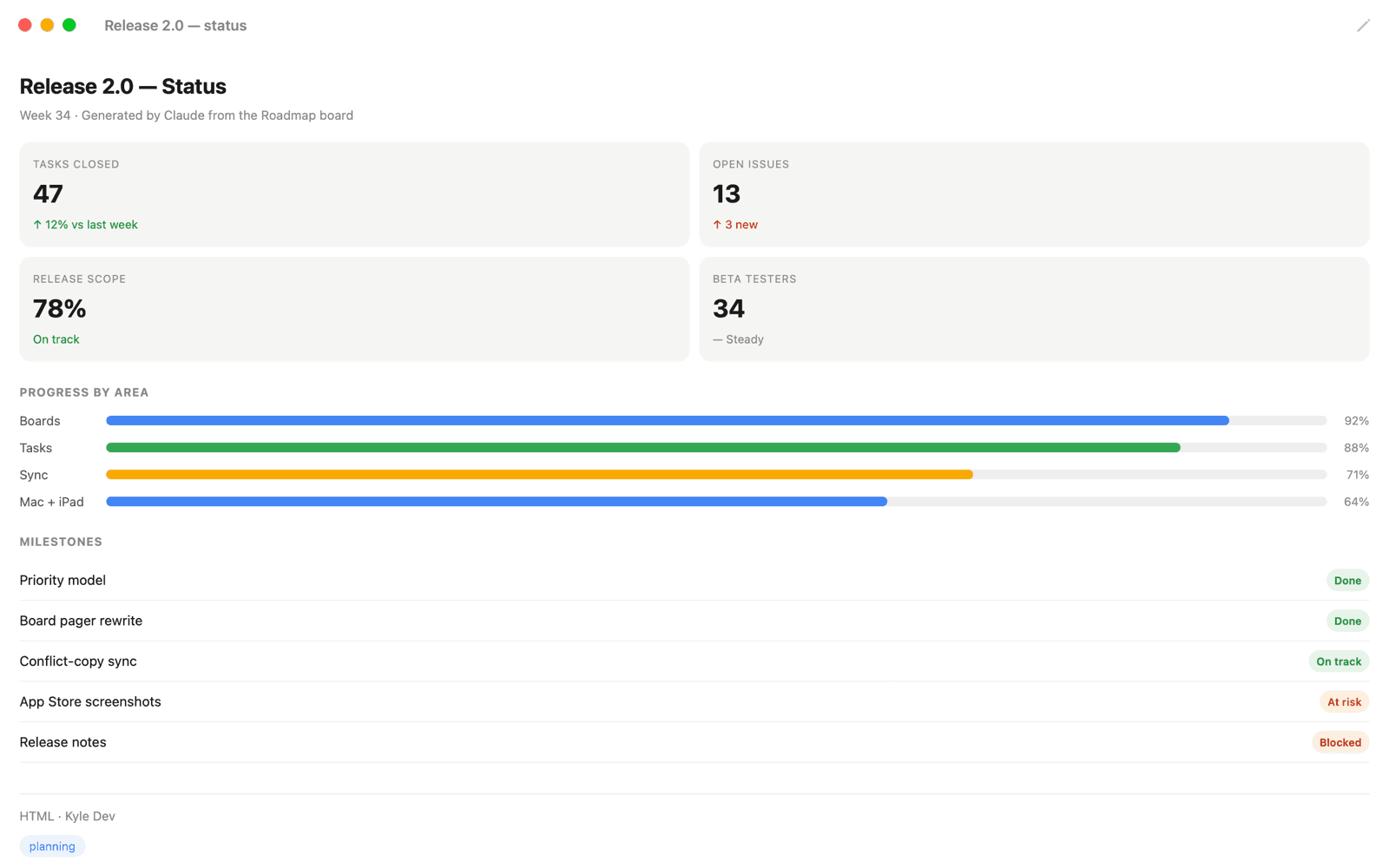
Write with headings, code blocks, tables, task lists, blockquotes, and more. Beautifully rendered in the app.
Truly Offline
Boards, notes, and tasks load from a local cache and sync when you're back. Colliding edits are kept as both versions — never overwritten.
Siri & Spotlight
Notes and tasks are searchable from Spotlight and available to Siri and Apple Intelligence — findable on-device without opening the app.
Syncs Everywhere
Create on your phone, organize on your iPad, write on your Mac, update from Claude — it just works.
Native on Every Device
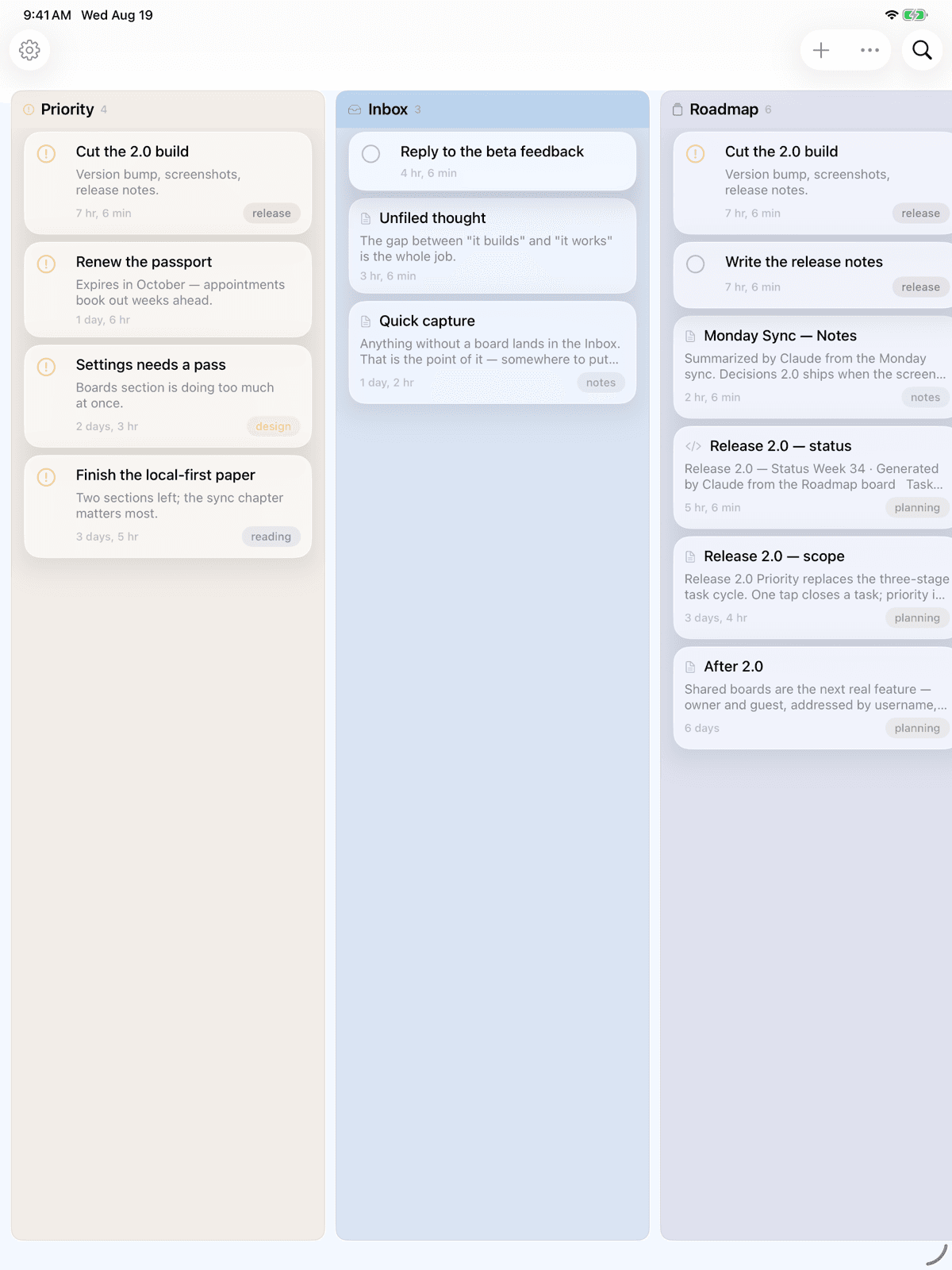
On iPad and Mac, boards stand side by side in columns. On Mac, notes open in their own windows.
Just Tell Your AI
No special commands to memorize. Talk to your AI like you always do.
Save this conversation as a note in Kyle
Add a task to the Roadmap board: ship the beta
What's on my Priority board?
Mark the release-notes task done
Summarize what we just discussed and file it on my Research board
Simple Pricing
Free
$0
- ✓ Notes, tasks & boards
- ✓ 2 notes per day
- ✓ 45 KB per note
- ✓ Full markdown editor
- ✓ Siri & Spotlight
- ✓ Offline access
Pro Monthly
$1.99/month
- ✓ Connect your AI via MCP
- ✓ 100 notes per day
- ✓ 150 KB per note
- ✓ Offline creation
- ✓ Everything in Free
- ✓ Priority support
Pro Yearly
$6.99/year
Save 70% vs monthly
- ✓ Connect your AI via MCP
- ✓ 100 notes per day
- ✓ 150 KB per note
- ✓ Offline creation
- ✓ Everything in Free
- ✓ Priority support
Works With Your AI
Kyle connects to any AI that supports MCP — the open standard for AI tool integration.
Ready to Try Kyle?
Download Kyle, connect your AI, and put your notes and tasks in one place you both can reach. Free to start — no signup required.
Download on the App Store